Gym operations · Plans · Progress

Run your gym. Train with a plan.

MyGymFlex connects members, owners, and trainers in one app — with a built-in AI assistant for gym setup, plan drafts, and coaching tips.

9:41LTE

1 of 6

What is your goal?

Build muscle Build muscle
Get stronger Get stronger
Lose fat Lose fat
9:41LTE

Your monthly gym activity

Home

12This month
5Streak
80%Weekly
1Missed

Build muscle

Push strength — Week 3

Today · 8 exercises

Open Gym Day
9:41LTE

Where will you train?

Join, register, or go solo

Join a gym Join a gym
Train solo Train solo
Gym DayLive session tracking
Set loggingReps, weight, rest
Weekly plansGoals & schedules
AI assistantSetup, plans & coaching

How it works

Three steps to smarter training

1

Set your goal

Pick muscle, strength, fat loss, or staying active — and how many days you can train.

2

Follow your plan

Open Gym Day for today’s session. Log sets, rest, skip, or finish when you’re done.

3

Track progress

Streaks, history, and monthly activity on Home — owners see attendance in the panel.

Highlights

Everything in one app

Gym Day

Live workout tracking with sets and rest.

Tuesday · Upper

Gym Day

Bench press

4 sets logged

Training goal selection

Your goals

Personalized from day one

Streaks

Stay consistent with weekly targets.

Weekly plans

Days you can actually keep.

Owner panel

Instruments, plans, and members.

Live

AI assistant

Identify gear, suggest items, draft plans.

The App

Gym Day that stays with your plan

Start the session your plan assigned for today. Log sets, rest, skip, or finish — then pick up the same day tomorrow if you need to.

  • Assigned weekly plans with groups and exercises
  • Live Gym Day tracking with rest between sets
  • Skip or finish — resume the same day later
9:41LTE

Tuesday · Upper

Gym Day

Bench press

Barbell · 4 sets

Set 18 × 60kg
Set 28 × 60kg
Set 3Rest 90s
End Gym Day

Features

A plan that matches how you train

Set a goal, pick your experience, and choose how many days you can train. Use a gym plan, or build a personal week and follow it on your own.

Training goals

Muscle, strength, fat loss, sport, and staying active.

Join or go solo

Join a gymnasium, register one, or train on your own.

Weekly schedule

Pick days you can actually keep — and follow them.

AI plan drafts

Gym and solo plans from your goal, level, and floor.

9:41LTE

Weekly plan

Your days

Weekly training schedule

4 days / week

Mon · Tue · Thu · Sat

For Gyms

Owners and trainers run the floor

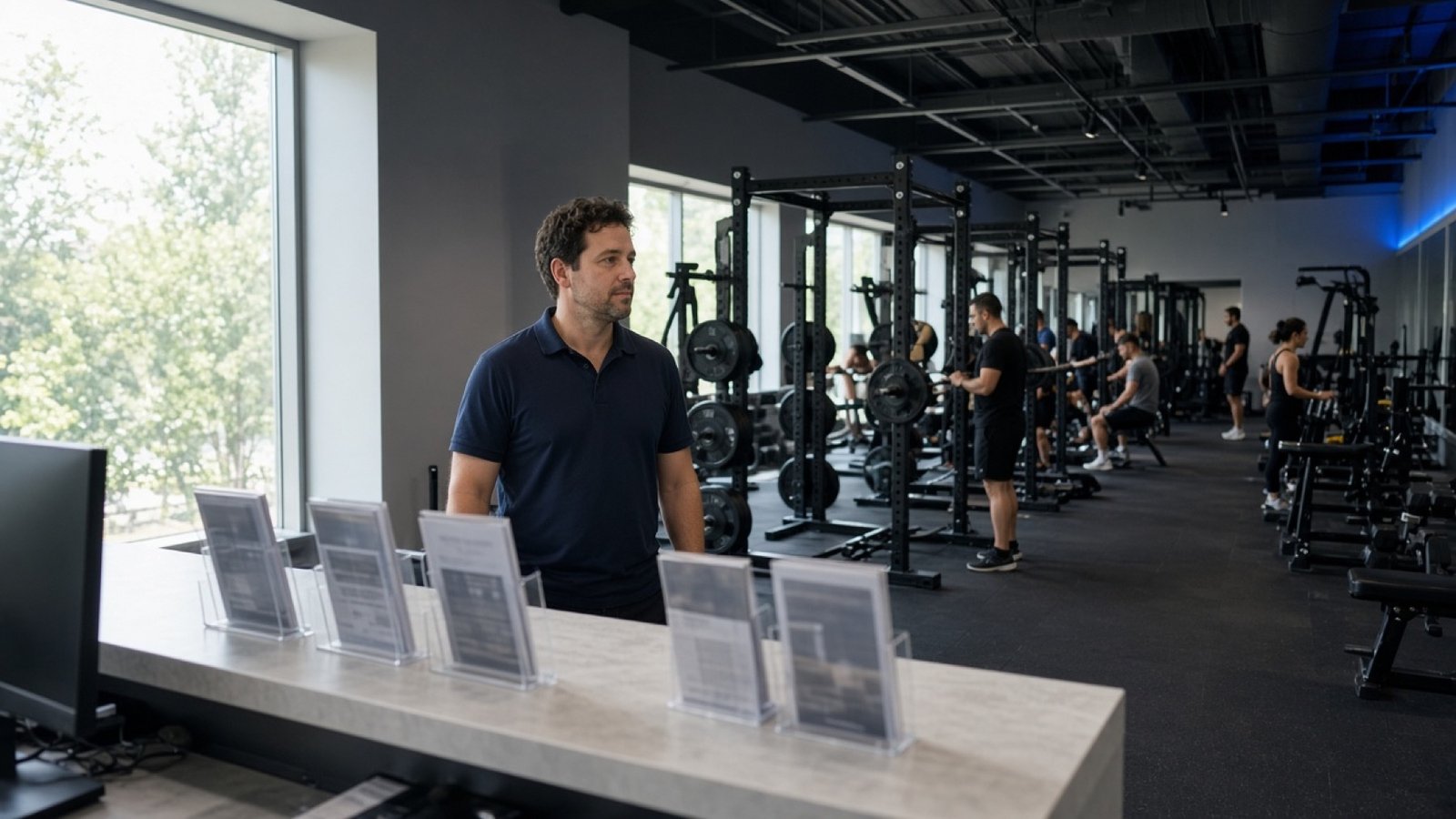
Register a gymnasium, catalog instruments and exercises, assign plans, and watch attendance. Trainers publish tips. Admins approve gyms on the panel.

“Our floor inventory and member plans finally live in one place.”
Gym owner
“I assign weekly plans without spreadsheets or group chats.”
Trainer
Open the owner panel →
  • Gym instruments, items, and member roles
  • AI instrument scan, item suggestions, and plan generation
  • Plan builder, assignment, attendance, and admin review
9:41LTE

Owner

Flex Studio

Gym equipment catalog

Gym instruments

12 machines · 8 free weights

Open panel

AI assistant · Available now

Every AI feature, one clear workflow

Scan equipment, suggest gym items, draft weekly plans, and get coaching tips — all from the mobile app or owner panel. AI never saves on its own. You review every result first.

Human-in-the-loop Checkbox review dialogs before anything is saved
Gym-aware Plans and items match your instruments and catalog
Server-side only API keys stay on Laravel — never in the app
Daily quota Fair-use limits with remaining uses shown in-app

01 Gym setup

Owners and trainers catalog the floor faster — on mobile during onboarding or in the owner panel.

Mobile Panel

Instrument photo → name

Take a photo of a machine or bench. AI suggests a name, category, and catalog matches so you pick the right inventory item.

Mobile Panel

Suggest gym items

After adding a treadmill, bench, or rack, AI proposes exercises for that instrument. Select rows — or batch by group — then save.

Panel

Stock exercise images

Search free stock photos from Pexels and Unsplash for an exercise. Preview candidates, select the best, and import — or upload your own.

02 Plan drafting

Generate a weekly draft from goal and level, then open it in the plan builder to edit before assigning.

Mobile Panel

Gym plan generation

Owners and trainers generate plans scoped to that gym’s instruments and exercises. Goals: build muscle, get stronger, lose fat, stay active, or sport.

Mobile

Solo plan generation

Training without a gym? AI drafts from the global exercise catalog using your profile, goal, experience, and days per week.

03 Coaching & onboarding

Lightweight tips based on your progress and enrollment — not a replacement for a real trainer.

Mobile

Coaching insights

Weekly focus, recovery tips, and session-aware suggestions on Home and after workouts — built from your streaks, history, and active plan.

Mobile

Onboarding hints

Contextual enrollment tips while you join a gym, register one, or train solo — so the next step is obvious.

Ask → Review → Save

The same safety model on every AI action. If providers are busy, rule-based fallbacks still give you a starting draft — flagged for review.

  1. 1
    Ask AI

    Scan an instrument, suggest items, generate a plan, or fetch coaching tips.

  2. 2
    Review the draft

    Pick catalog matches, toggle exercise rows, edit days, or dismiss the suggestion.

  3. 3
    Save when ready

    Only your confirmed action writes to equipment, exercises, or workout plans.

AI suggestions — review before saving. Not medical advice.

Technical details for gym operators
  • Powered by Google Gemini with Groq fallback on rate limits or timeouts
  • All requests logged server-side with per-user daily quotas
  • Gym plans constrained to that gym’s inventory — solo plans use the global catalog
  • Fuzzy catalog matching reduces duplicate instrument and exercise names
9:41LTE

Review AI gym items

Select rows to add

Running / Walking

Cardio · basic

Incline Walk

Cardio · basic

Interval Sprints

Cardio · intermediate

Add selected

Stories

Built for every role

Member

“I finally know exactly what to do on Gym Day.”

Owner

“Our floor inventory lives in one place — not in notes.”

Trainer

“Assign plans without spreadsheets or endless chats.”

FAQ

Common questions

Is MyGymFlex free?

The mobile apps and member experience are free to use. Gym owners can explore the panel while apps launch on iOS and Android.

Can I train without joining a gym?

Yes. Choose “Train solo” during onboarding and build a personal weekly plan from the global exercise catalog.

How do gym owners register?

Log in to the owner panel, register your gymnasium, and wait for admin approval. Then catalog instruments and assign plans.

How does the AI assistant work?

AI features are live in the mobile app and owner panel. You can scan instruments, suggest gym items, generate plan drafts, and get coaching tips. Every result opens in a review step — nothing saves until you confirm. AI output is not medical advice.

How do I contact support?

Email us at info@mygymflex.com for help with accounts, gyms, or the panel.

Download MyGymFlex

The iOS and Android apps are on the way. Free to explore the panel while mobile apps launch.

Coming soon Download on theApp Store Coming soon Get it onGoogle Play